
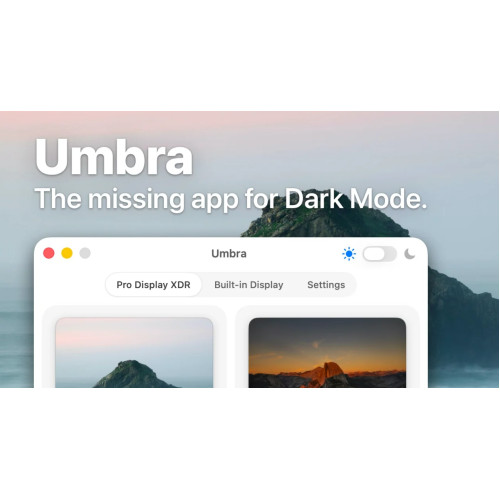
The missing Mac app for Dark Mode.
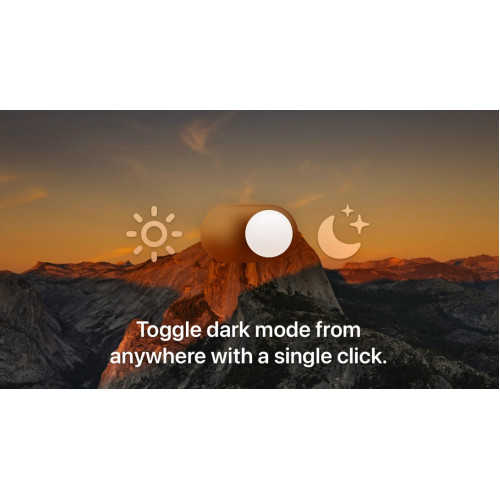
Toggle dark mode from anywhere with a single click
Umbra makes switching to Dark Mode simple. Option click the Umbra icon in the Menu Bar or use the Umbra menu item to toggle your system appearance.
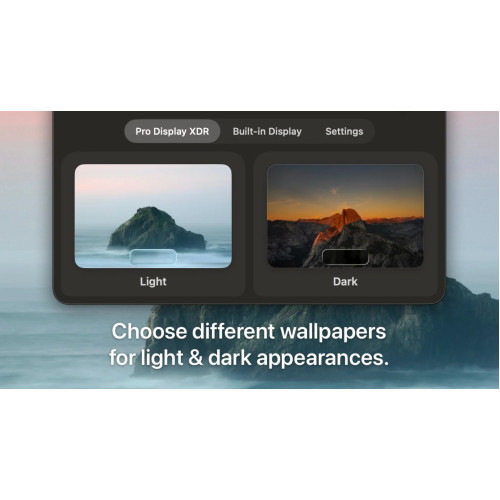
Choose different wallpapers for light & dark appearances
Umbra allows you to choose a wallpaper for both light and dark modes, and it'll make sure your choices stay in sync. When you change the system appearance, your wallpaper changes too.
Multi-display support
Set wallpapers independently for each connected display, for light and dark modes, or set them for all displays at once. When setting HEIC files you can also choose the image variant to set.
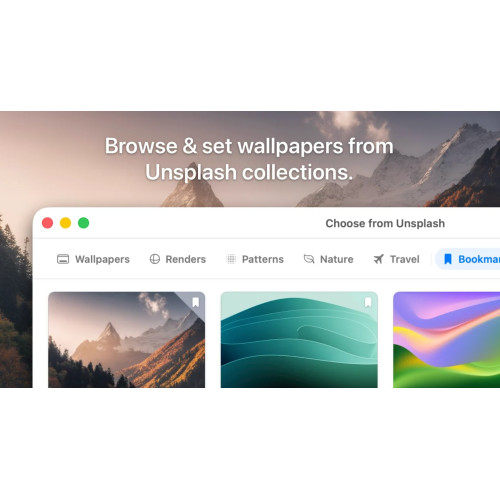
Set beautiful photos from Unsplash
Browse collections of stunning photos from Unsplash right in Umbra, then preview and set them as wallpapers for light and dark modes. Plus bookmark your favorite images to return to them later.
Related Products
Tabletop Simulator Steam Gift
Tabletop Simulator is the only simulator where you can let your aggression out by flipping the table..
$14.00 Ex Tax: $14.00
Rust Steam Account
Rust (PC) is an online, open-world survival game with strong focus on crafting and player interactio..
$25.00 Ex Tax: $25.00
The C# Player's Guide
The C# Player’s Guide is a different kind of programming book. Like an entertaining video game, prog..
$29.00 Ex Tax: $29.00

RevoltGPT Plugin for Unreal Engine 5
RevoltUnrealPlugin is designed for developers who want to dramatically accelerate their Unreal Engin..
$85.00 Ex Tax: $85.00