
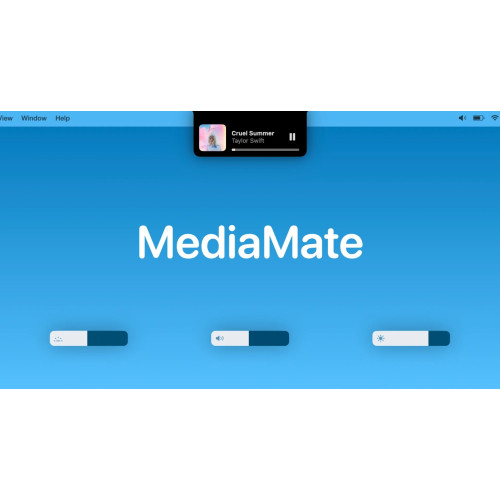
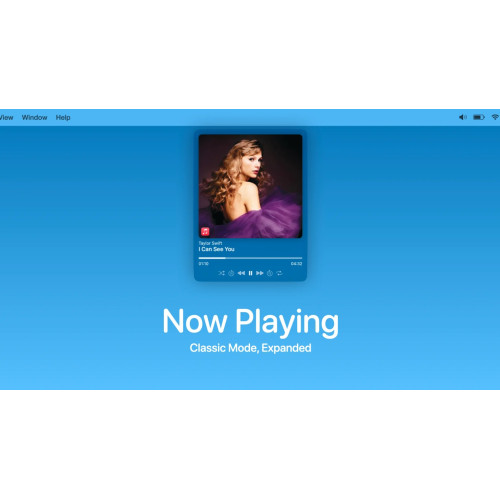
MediaMate provides fresh visuals for the Volume, Display and Keyboard Brightness HUD and introduces a new Now Playing HUD!
Features
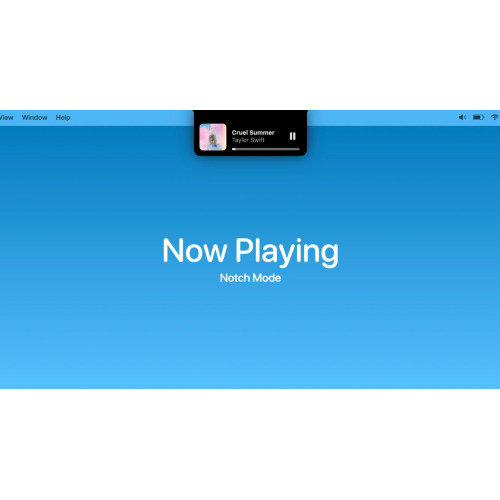
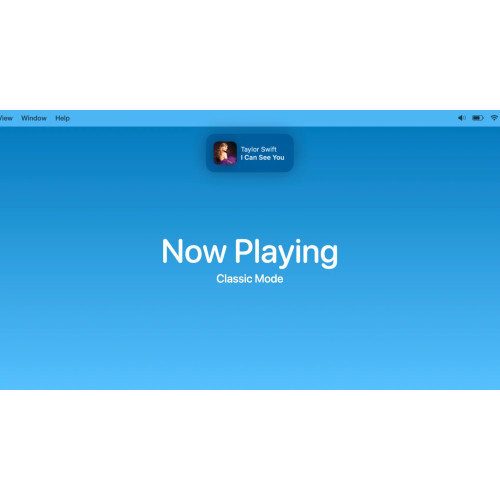
A Now Playing HUD which shows the current playing media, and provides quick controls such as play/pause and scrubbing. It can be shown "inside" the notch, or in a separate bubble.
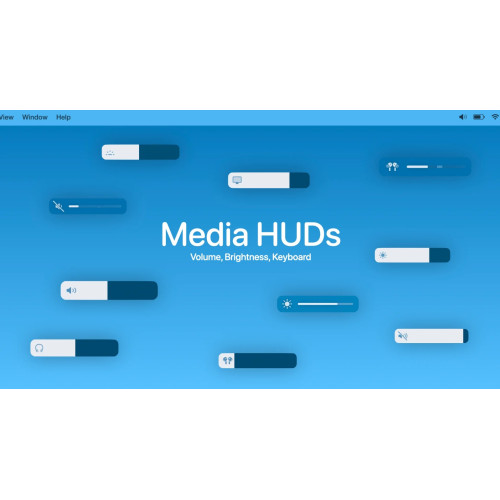
An audio, brightness and keyboard brightness HUD which replace the native HUDs.
iOS-styled theme, circular theme, notch theme and the classic theme.
Audio output icons to quickly see the output device in the audio HUD.
Shortcuts to control keyboard brightness
Focus Filters: hide HUDs when a focus mode is enabled
Lots of settings to customise the app to your needs
Compatibility
Touchbar & Non-touchbar macs are supported
Extended display brightness & volume support with Lunar or BetterDisplay (others are not supported)
Now Playing works with most apps, including Apple Music, Spotify, Chrome, ...
Want to try it out first? You can! Download the latest version here and use the demo mode.
Related Products
Maccy - Clipboard manager for macOS
Clipboard manager for macOS which does one job - keep your copy history at hand. Period.Lightweight...
$8.00 Ex Tax: $8.00

Medieval Pack Bundle
This pack includes 300+ elements: 100+ Building Assets, 3 Rigged Standing Knights, 3 Rigged Knight R..
$255.00 Ex Tax: $255.00

Mac Mouse Fix
Make your $10 Mouse Better than an Apple Trackpad.Download | Website | GitHubMac Mouse FixAwesome Mi..
$10.00 Ex Tax: $10.00

Mastering SQL Programming Course
In today’s digital age, the explosion of data presents both opportunities and challenges. Our SQL Pr..
$28.00 Ex Tax: $28.00